Skip to content
Paper prepared by T. R. Hobbs MEng, Owner and Technical Director of OE Electrics Ltd.
OE is a global designer and manufacturer of innovative power and connectivity solutions for workspaces and public spaces.
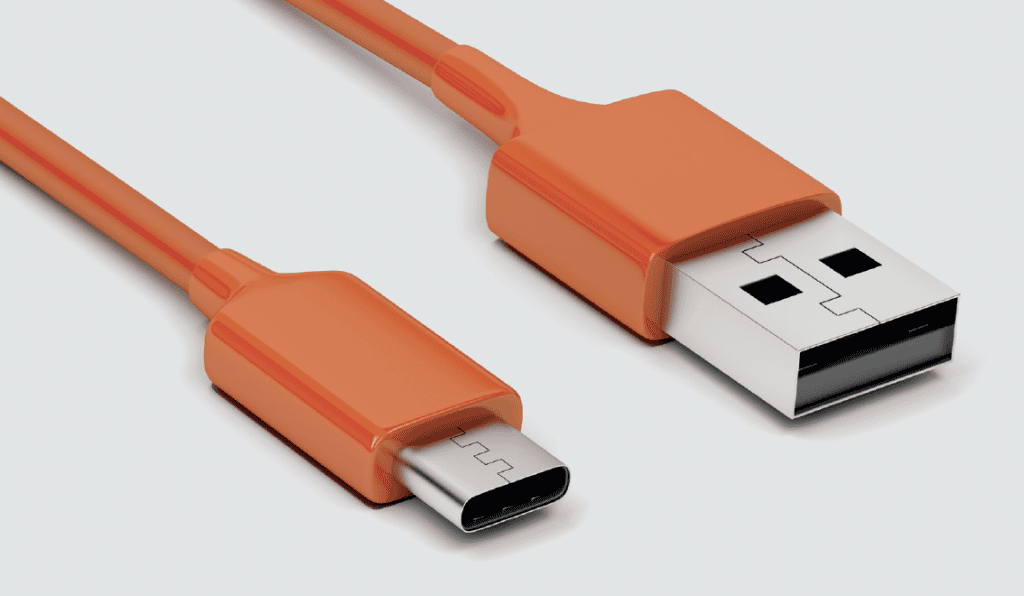
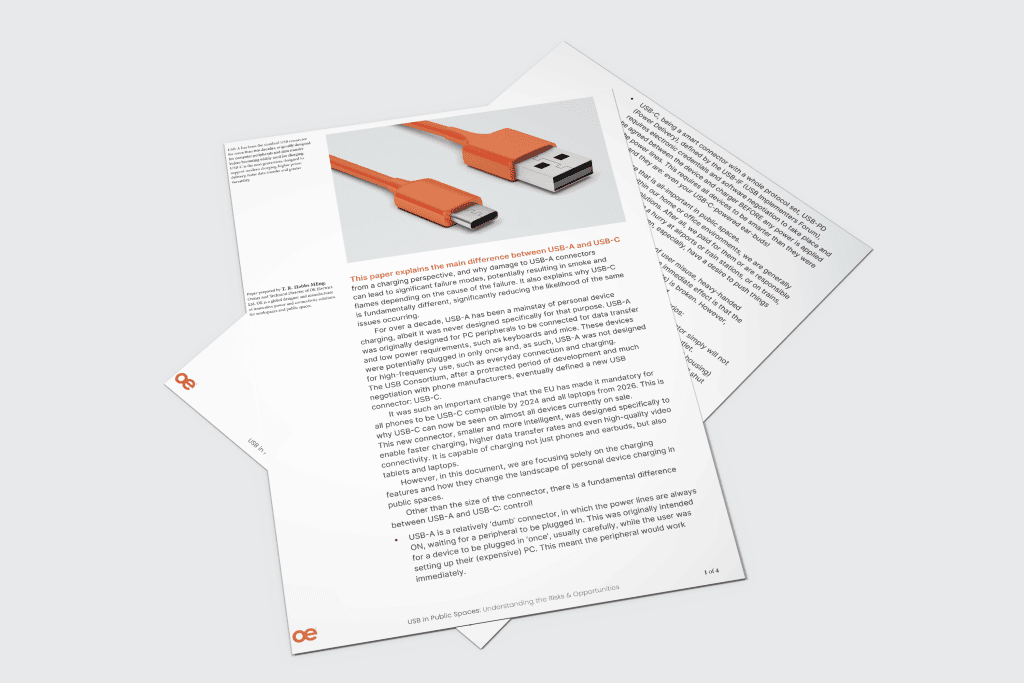
This paper explains the main difference between USB-A and USB-C from a charging perspective, and why damage to USB-A connectors can lead to significant failure modes, potentially resulting in smoke and flames depending on the cause of the failure. It also explains why USB-C is fundamentally different, significantly reducing the likelihood of the same issues occurring.
For over a decade, USB-A has been a mainstay of personal device charging, albeit it was never designed specifically for that purpose. USB-A was originally designed for PC peripherals to be connected for data transfer and low power requirements, such as keyboards and mice. These devices were potentially plugged in only once and, as such, USB-A was not designed for high-frequency use, such as everyday connection and charging. The USB Consortium, after a protracted period of development and much negotiation with phone manufacturers, eventually defined a new USB connector: USB-C.
It was such an important change that the EU has made it mandatory for all phones to be USB-C compatible by 2024 and all laptops from 2026. This is why USB-C can now be seen on almost all devices currently on sale. This new connector, smaller and more intelligent, was designed specifically to enable faster charging, higher data transfer rates and even high-quality video connectivity. It is capable of charging not just phones and earbuds, but also tablets and laptops.
However, in this document, we are focusing solely on the charging features and how they change the landscape of personal device charging in public spaces.
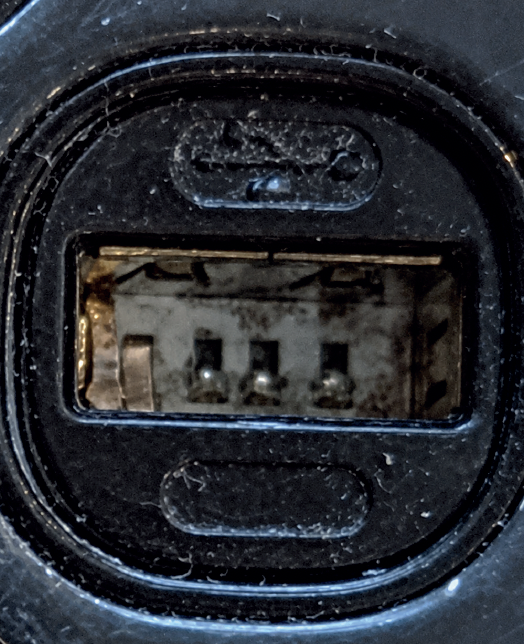
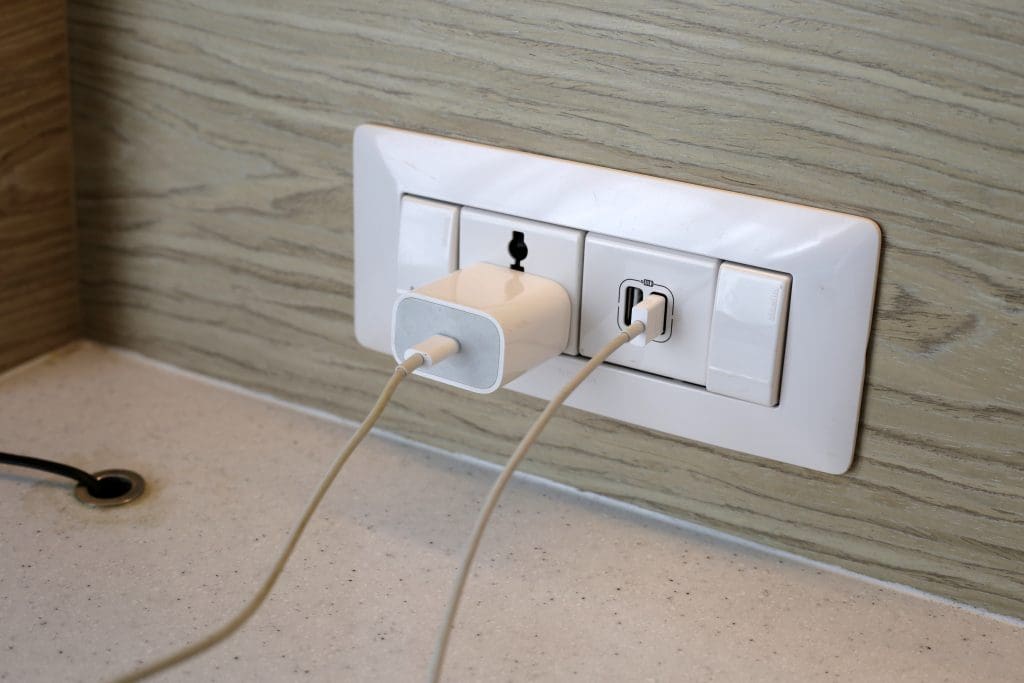
Left: The “tongue” of the USB-A port has been completely broken off, rendering the port unusable.
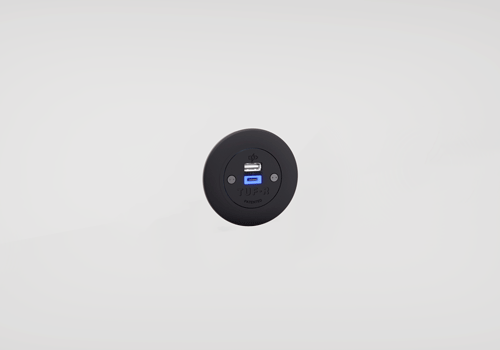
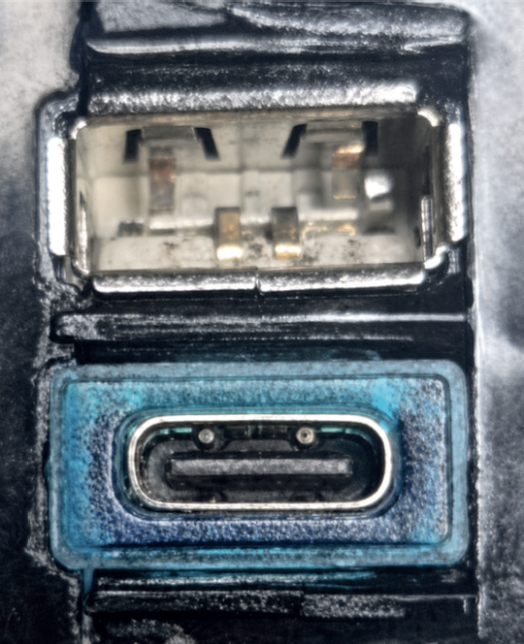
Right: The “tongue” of the USB-A port has also been broken off, while the USB-C port below remains completely intact.
Other than the size of the connector, there is a fundamental difference between USB-A and USB-C: control!
It is this difference that is all-important in public spaces. As individuals, within our home or office environments, we are generally careful with our power solutions. After all, we paid for them or are responsible for them. However, people in a hurry at airports or train stations, or on trains, are not always so careful. Children, especially, have a desire to push things into holes, such as USB sockets. Most USB failures occur as a result of user misuse, heavy-handed plugging and removal, or similar actions. The immediate effect is that the connector’s tongue (which contains the contacts) is broken. However, secondarily, the contacts can then become crushed. Once crushed, there are three main resulting scenarios:
The contacts are not shorted – in which case, the connector simply will not work when someone plugs in, and the user will try another outlet.
The contacts are shorted (touching each other or the metal USB housing) – in which case, short-circuit protection in good-quality chargers will shut down the outlet.
The contacts are not quite shorted, but are close enough to create a highresistance joint.
Inevitably, if scenario 1 occurs, after more people plug in to ‘try’ the outlet, only to find that it does not work, scenario 2 or 3 will eventually happen as the contacts are repeatedly crushed. However, while scenario 2 causes the charger to shut down as a fail-safe, scenario 3, while far less likely, can actually lead to quite significant issues, specifically for USB-A outlets.
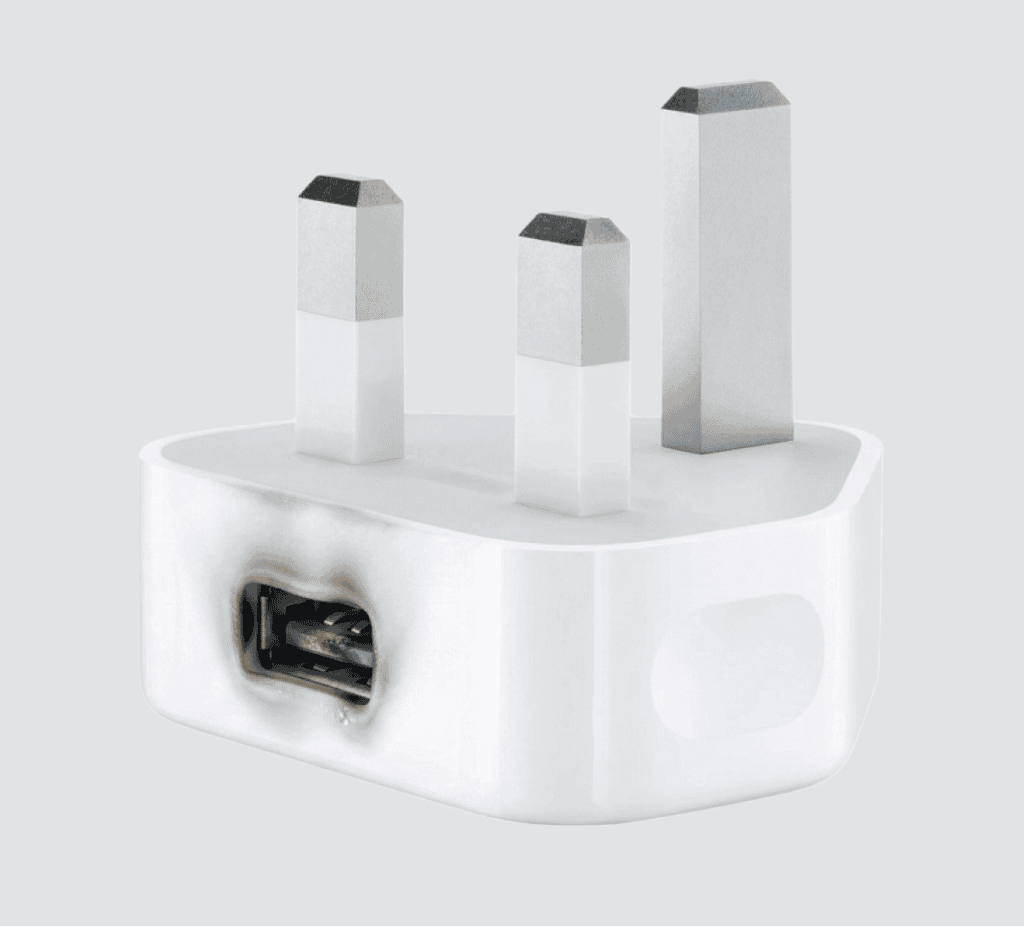
The good news is that good-quality chargers not only have short-circuit protection, but also have overload protection. However, this is not a given, and without it, the following situation is even worse. This means that if too much current flows, but not enough to trigger the short-circuit protection, the charger will also shut down.
However, we now come down to the difference between USB-A and USB-C. USB-C will only provide power to its power-line contacts when the correct credentials have been established and a negotiation has been achieved between the device and charger. This would not be possible if the contacts were crushed. In contrast, the USB-A power-line contacts are always ON.
If, in a USB-A connector, the scenario 3 high-resistance joint is such that the flowing current is less than the overload tripping point (which, after all, has to be set higher than the charger’s designed power supply rating), then current will still flow.
For a normal USB-A charger, this could be as high as 12 watts. Across a high-resistance joint, this can cause an extremely high temperature at a defined point, potentially leading to temperatures capable of melting plastic or even setting fire to flammable material.
By way of comparison, for the layperson, just 3 watts of heat, spread across the whole body of a charger, will cause the charger to become warm to the touch, reaching an allowed temperature of around 50–60°C. It can therefore be understood that almost ten times that energy, dissipated at a distinct point across an electrical joint, can lead to significantly higher temperatures, potentially comparable to those generated by an arc welder.
In public spaces, USB connectors are regularly found to be broken. A very small proportion of these may have high-resistance joints. While heating may occur and cause the surrounding plastic to melt, potentially causing an unpleasant smell, if a combustible foreign body, such as a piece of wood or food, is pushed into it, this could potentially ignite or create smoke. This has been found to occur in airports, where fire alarms have subsequently been triggered, leading to extremely inconvenient and costly evacuations, as well as public concern.
While we have explained the fundamental ‘control’ difference between USB-A and USB-C, there are also mechanical differences that improve safety.
USB-A socket contacts are springs, which are more easily damaged and bent than the solid USB-C socket contacts. With USB-C, it is the plug that contains the contact springs.
USB-C sockets are smaller and far less prone to liquid ingress, whereas USB-A has a larger aperture that is more easily subject to liquid entry. And then, as alluded to earlier, there are the protocol differences between USB-A and USB-C.
USB-C and USB-PD conform to a better-controlled standard for USB charging, as defined by the USB-IF.
USB-A, although also defined by the USB-IF organisation, has, as a result of years of development as a charging port, had multiple different proprietary protocols created by separate device manufacturers. There is now a long list, including USB 1/2, USB 3, BC 1.2, Apple 2.4A, Qualcomm QC 2/3, Samsung AFC, FCP, SCP and VOOC, to name a few. Not all of these are compatible with each other or particularly robust, which can further lead to control and safety issues.
This paper therefore recommends that USB-A, having provided a low-power portable device power source for over two decades, is not suited to the requirement for higher-power public-space charging. This is increasingly important as we, as the public, rely on these connections for mobile working (phone or laptop), social media, tickets, banking, shopping, directions and much more. If a user adamantly wants to use USB-A, they should bring their own mains adaptor, which they can look after themselves, and plug it into a mains socket. Otherwise, get a new cable!