Troubleshooting

Help Centre / Troubleshooting

Help Centre

  • 3D Models
  • Carbon Embodiment
  • CE Declarations
  • Brochures
  • Datasheets
  • Instructions
  • Image Packs
  • Videos
  • Cut-out Sizes
  • AR

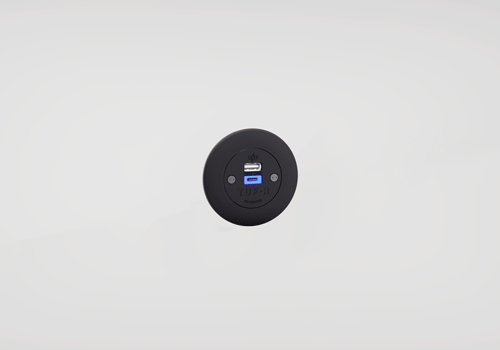
TUF troubleshooting

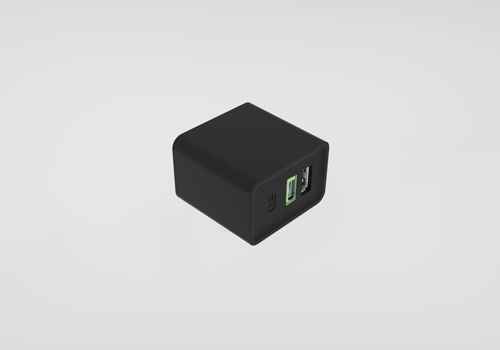
Easy fixes to common problems with our TUF USB Charger range...

QF30 PSU

Easy fixes to common problems with our QF30 PSU...

Edit Content
  • Is the charging cart connected to mains? Are all four PSU LEDs illuminated?
  • If one PSU light is not illuminated, see PSU fault finding guide
  • It is a specific location that is unable to charge or the entire cart?
  • Is the charging cart able to charge other QikPac Carrys?
  • Is the charging PCB on the underside of QikPac Carry present and undamaged?
  • Open the back and check the GST08 cables are fully connected

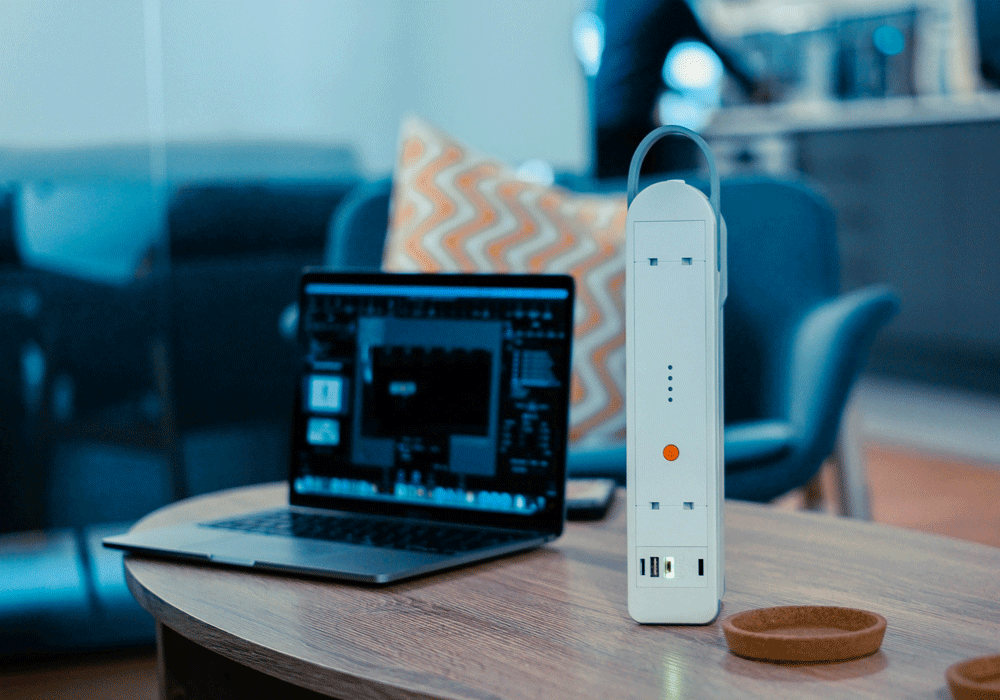
QIKPAC Battery

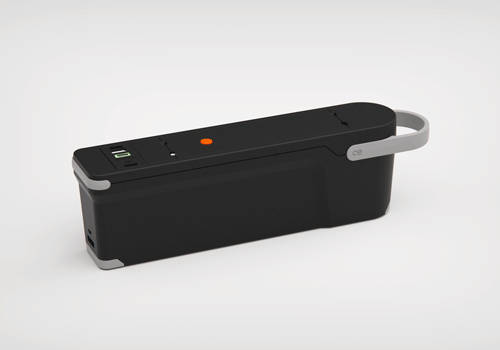
Easy fixes to common problems with QIKPAC and QIKPAC CARRY...

Edit Content
  • Is the charging cart connected to mains? Are all four PSU LEDs illuminated?
  • If one PSU light is not illuminated, see PSU fault finding guide
  • It is a specific location that is unable to charge or the entire cart?
  • Is the charging cart able to charge other QikPac Carrys?
  • Is the charging PCB on the underside of QikPac Carry present and undamaged?
  • Open the back and check the GST08 cables are fully connected
Edit Content
  • Is the charger base connected to mains? – Is the PSU LED illuminated?
  • Is the charger base able to charge other QikPac Carrys?
  • Is the charging PCB on the underside of QikPac Carry present and undamaged?
  • Remove all other QikPacs from charger base except device in question, does this charge?
  • Place two additional QikPac Carrys onto charger base, if QikPac in questions stops charging this is due to prioritisation of other QikPac Carrys, leave on charge overnight

QIKPAC Charging Cart

Easy fixes to common problems with QIKPAC Charging Cart...

Edit Content
  • Is the charging cart connected to mains? Are all four PSU LEDs illuminated?
  • If one PSU light is not illuminated, see PSU fault finding guide
  • It is a specific location that is unable to charge or the entire cart?
  • Is the charging cart able to charge other QikPac Carrys?
  • Is the charging PCB on the underside of QikPac Carry present and undamaged?
  • Open the back and check the GST08 cables are fully connected

Need more help?

If this guide hasn’t solved your issue, get in touch with our support team and we’ll be happy to help. The more detail you can provide, the faster we can assist.